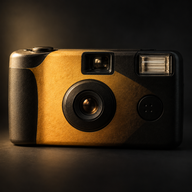
 This Chapter
Your guests scan a card. They never download a thing.
Everyone takes photos on their own phone. Nobody, not even you, sees a single one until the morning after. Then the whole album opens at once.
Free for up to 10 guests. One price per event above that, in whole dollars, never a subscription. The iPhone app is with Apple for review.
Point your camera here.
Take 12 photos.
See them all tomorrow.
Nothing to install · Works in Safari & Chrome
This card is real. Point your phone's camera at it.
Three things happen.
Only one of them is yours.
You make a chapter
Name the event, pick how many photos each guest gets, and set the morning the album opens. A few minutes in your browser. You get a link and a QR code to print or send.
Guests scan and shoot
The QR opens a camera in their phone's browser. No app, no account, no email. They take their photos and get on with the party. A photo taken with no signal waits on the phone and sends itself later.
Everyone wakes up to the album
At the time you chose, every photo opens for every guest at once. Until then, there is nothing to look at. Not for them, not for you.
Try to peek. Go on.
Other apps let the host "manage" photos before the reveal, which means someone has already seen them. Here the sealed album is not hidden behind a setting. It does not exist as something anyone can open until the time you set.
- The host sees nothing early. Neither does anyone we employ.
- A guest cannot see their own photo back. It is gone the moment they take it.
- The reveal time can be moved later, never earlier once a photo exists.
- We never scan or review your photos. We could not show you them if we wanted to.
No. Not even the person who took it.
Photos that look like the night felt.
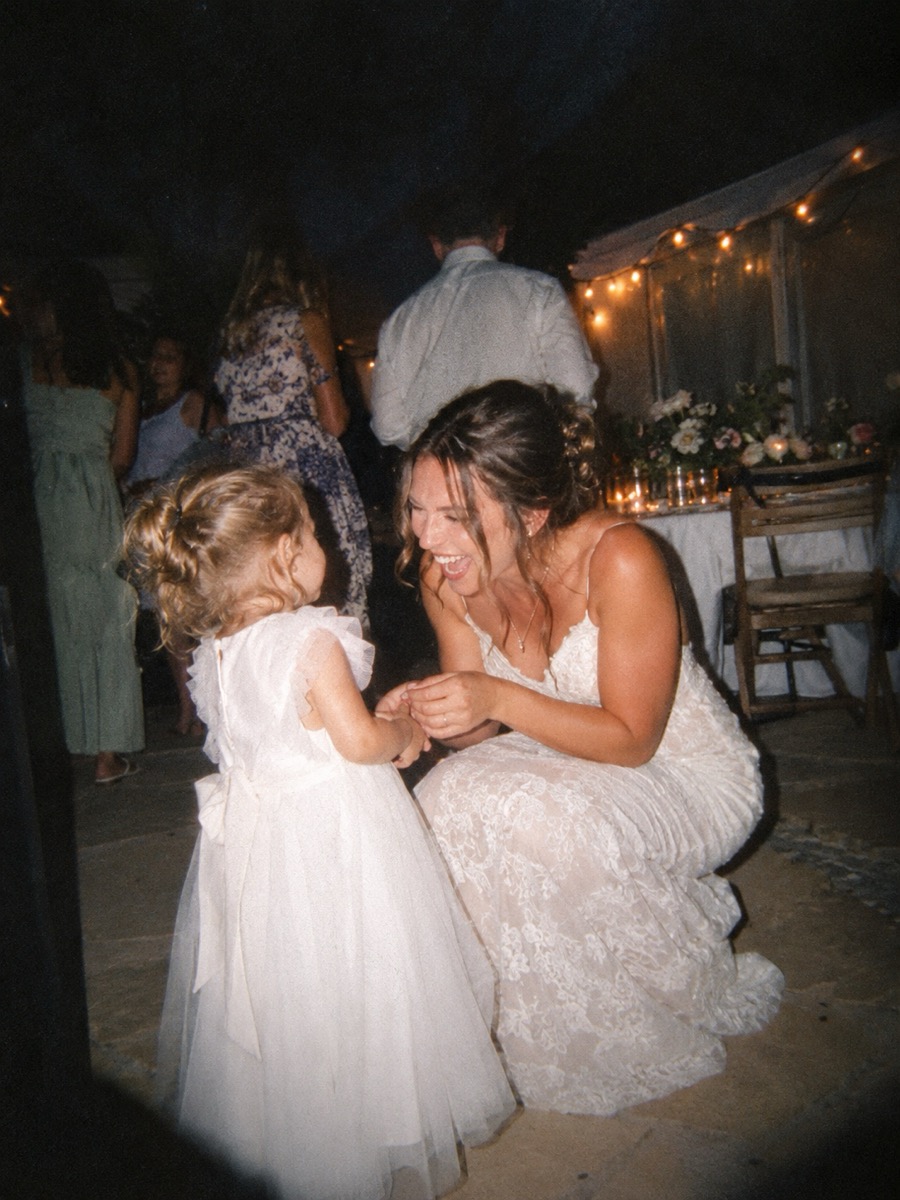

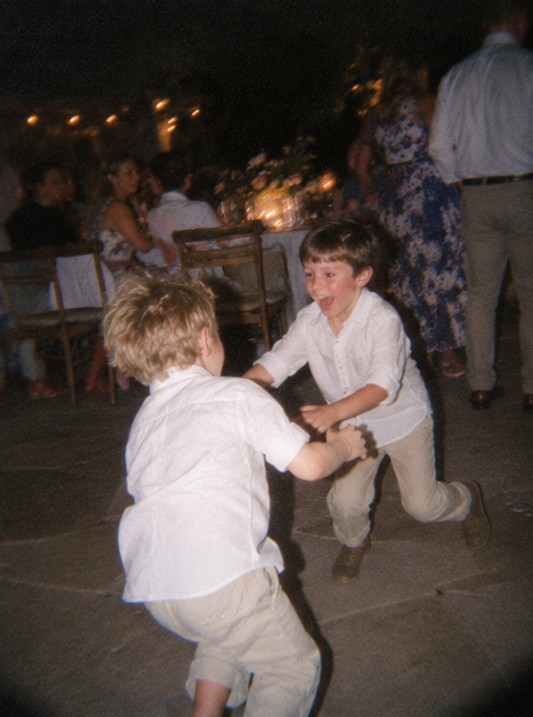
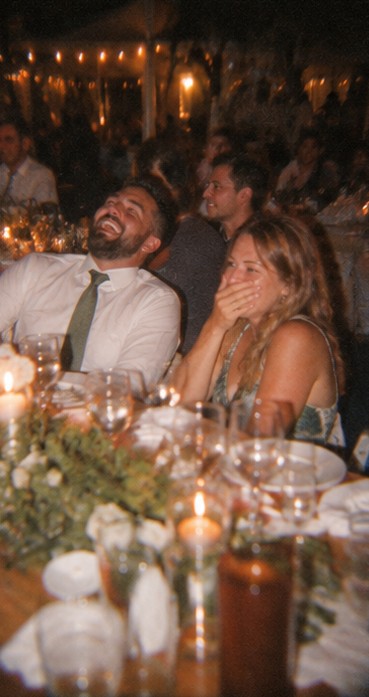
Every photo is taken through the look you chose when you made the chapter, and that look is the photo. There is no plain version underneath, no filter to switch off later. It feels like a disposable camera because, in every way that matters, it is one.
The same deal at every size.
Photos each
Choose 6, 12, 24 or 36 for every guest. Pick a small number and people think before they press. That is the whole point.
Kept a full year
The album stays open for 365 days after its final reveal. Everyone can save what they want in that time.
Nothing for guests to install
The link opens a camera in Safari or Chrome. No account, no email address, no age gate beyond being 13 or over.
Saved large, never watermarked
Photos are kept at up to 2,048 pixels on the long side, with no watermark on any plan, including the free one.
Up to a week, a reveal every morning
A weekend away or a three-day wedding gets a fresh album each morning, and each guest's photos reset for the new day.
With the iPhone appOne look for the whole album
You pick it when you create the chapter. Every guest's photo comes out matching, so the album reads as one night, not forty phones.
Made for the nights people forget to photograph.
Weddings
A card on every table beats a basket of disposables. The couple wakes up to two hundred photos they were not in the room for.
Reveals the morning afterBirthdays and parties
Ten friends, a kitchen, one album nobody can tidy up before you see it. Free, so there is no reason not to.
Free up to 10 guestsTrips and weekends
Each morning of the trip opens the day before. Breakfast gets a lot more interesting.
Daily reveals · iPhone appWork events
Offsites, launches, the holiday party. Nobody has to appoint a photographer, and nobody has to pretend they did not see the slideshow.
Up to 250 guestsSports and clubs
The whole team shoots the final from forty angles. The album opens the next morning for everyone who was on the sheet.
One link for the squadThe guest count is the price.
That is the entire price list.
One payment for one event. No subscription, no per-photo charge, no "premium" look. Whole dollars, because $9.99 is a trick and you know it.
A guest takes a place the moment they take their first photo. Scanning the card and looking around costs nothing, so print more cards than you have seats.
More than 250 people? Tell us about your event and we will sort it out by hand.
Paid sizes are bought in the iPhone app, through Apple, so refunds follow Apple's rules rather than ours. The free size is yours today in any browser.
Every size gets the same photos per guest, the same year of keeping, and no watermark.
What works today, and what is waiting on Apple.
In your browser, today Live
- Create a free chapter for up to 10 guests
- Guests scan, shoot and get the album, no app
- One-night events with a next-morning reveal
- Photos taken with no signal send themselves later
- The album, with saving, for a full year
With the iPhone app With Apple for review
- Sizes from 25 to 250 guests
- Chapters up to 7 days, a reveal every morning
- A reminder on reveal morning
- The time on every photo, and the date it is kept until
- Everything the browser does, too
I built this because every event I went to ended the same way: three hundred photos on forty phones, and a group chat where maybe a dozen of them turned up.
The disposable cameras on the tables at weddings always worked. People took one photo instead of thirty, they put the camera down, and nobody saw anything until the prints came back. The only problem was the prints never came back.
So this is that, with the waiting kept in on purpose. It is small, it is one person, and it is not trying to become a social network. Write to me if something is wrong and I will fix it.
The person who built This Chapter
Things people ask before the first one.
Do guests really not need an app?
Really. The QR code or link opens a camera page in Safari or Chrome on their phone. They allow the camera once, take their photos, and that is it. The same link brings them back to the album on reveal morning. On an iPhone, Apple's small App Clip version may appear instead once the app is approved. It behaves the same way.
What if the signal is bad at the venue?
A guest needs signal once, to open the link and join. After that, every photo is saved on their phone first and sent when there is a connection, even if that is in the car on the way home. Keep the browser tab open rather than a Private tab, which Safari wipes when it closes.
Can I see the photos before my guests do?
No. That is the one thing we refuse to build. The host, the guest who took it, and our own support team all get the same answer until the reveal time: not yet. If something has to come down after the reveal, you can remove it from the album then, and anyone can report a photo to you.
How long do you keep the photos?
365 days after the chapter's final reveal, for every size including free. Everyone with the link can save what they like in that time. After that the photos are deleted.
Who owns the photos, and do you look at them?
Your guests own what they took, and you host the album. We do not scan, review, or train anything on your photos. We keep them so your album works and delete them when the year is up. No cookies on this site, no ad tracking, nothing sold.
Is there a minimum age?
Guests need to be 13 or older. The camera page says so before anyone joins.
What happens if more people turn up than my size allows?
A place is only used when a guest takes their first photo, so late arrivals who just look are fine. If the chapter fills, the next person to press the button is told it is full. With the iPhone app you can choose a bigger size before the event starts.
Can I change the reveal time?
You can make a chapter end later, and the reveal moves with it. You cannot bring a reveal forward once a photo exists, because then it would not be sealed.
Put a card on the table.
Open the album tomorrow.
Make your first chapter in a few minutes. It is free for up to ten guests, and nobody has to install anything.
The iPhone app is with Apple for review. Everything on this page about larger sizes and multi-day chapters arrives with it.